Stay in the loop
How we built Depot Wrapped 2025
For a few weeks at the end of 2025, we shipped something a little different: Depot Wrapped. Inspired by the year-end recap trend, we wanted to give customers a fun, personalized snapshot of their year with Depot. We showed them how much time they saved, how many builds and jobs they ran, and some fun comparisons to put those numbers in perspective. This is the story of how we built it.
The data challenge
Most of the usage data we show in the Depot dashboard covers a monthly window. Querying an entire year of data is a different beast, especially for our larger customers. Queries take longer, there are more opportunities for errors and the UI can become sluggish quickly. Nobody wants to click “See My Wrapped” and stare at a spinner for 60 seconds.
We also had to reckon with the data we actually had. We use soft deletes for a portion of our data, which means we identify database records as “deleted” as opposed to actually deleting the record from the database. This means we have a full year of history for some records but not others. The data we had good coverage for, which also aligns with our most-used products, became the focus of the Wrapped.
There was another edge case of customers who sign up but never really use Depot. We could have shown an empty version of the Wrapped that said “You didn't use us at all this year, thanks for stopping by!” but that felt odd or snarky. More on handling the snark later.
Our solution to handling all this was to snapshot the data ahead of time. We ran queries during a setup phase, stored the results, and had the UI read from the snapshot. All the query latency and error handling happened on our end, not during the user’s experience.
Making big numbers mean something
We already show usage numbers in the dashboard, typically scoped to a month-long period. When looking at a year of data, numbers get big, especially for customers with more usage. And when numbers get big enough, they stop meaning anything. “You saved 47,000 minutes” is technically impressive, but hard to feel.
We wanted Wrapped to include comparisons that make those numbers mean something. Something like, “That’s enough time to walk the entire length of the US” (assuming an average walking speed).
I wanted to start by seeing how much an LLM could do on its own. Utilizing services like Bedrock that we already had access to, along with the Anthropic Haiku model, I used a script to prompt the model with some guidelines and a few different numbers of varying scales, and then ran it 10 times to see the variance across the different numbers.
My recent experience with agentic workflows didn't prepare me for how inaccurate this first attempt would be. The results were educational and reminded me of how far agents have come of late with recent models and how different models are better at different tasks. The model kept getting stuck on themes. It kept comparing everything to the Marvel Cinematic Universe. This did raise questions, like does that include the TV shows as well or just the movies, but also why was it so stuck on this for a variety of different numbers.
Once I moved on from trying to figure out the activity the model was comparing to, I realized that the math was very wrong. And not wrong in a consistent way either.
This flow required a lot of iteration. I ended up collaborating with an agent to come up with ideas for comparisons and figure out how long the comparison activity took on average. Then I had the code in the script pick the prompt, do the math, and provide the exact values to the prompt so that all the model had to do was help write the verbiage. This flow ensured everything didn’t sound the same. I started by running against a subset of usage values until I was getting reasonable outputs.
The snark filter
Anyone who’s done async communication for a while knows that the words we type don't always get read as intended. Since I was relying on an AI agent to help write the "time saved" comparisons, I wanted to make sure they came across as celebratory, not passive-aggressive or snarky.
After generating a batch and reading through them, some felt off. Not wrong, but occasionally unexpectedly backhanded if I read it with a “tone”.
You just reclaimed enough time to watch 4.7 complete Game of Thrones series or run 658 5Ks, but honestly you probably spent it all in meetings anyway.
Kind of funny, but not exactly what we were going for.
A few patterns emerged:
- The “almost” problem: “In the time you saved, you could have almost run 0.1 of a marathon.” Cool, so I didn’t save even enough time to do a tiny fraction of a thing?
- The “actually” problem: “Enough time to drink a coffee and avoid work to do something you actually want to do.” “Actually” frequently has negative implications in conversations, and that was not the vibe.
- Tiny fractions: Any comparison where the result was less than 1 or even .5 of something (unless that something was enormous) felt like a dig.
I started flagging the unwanted snark immediately and realized cleaning it up was going to take a long time with my slow and human eyes. So I decided to automate it. I set up another AI pass specifically to identify problematic verbiage based on patterns I was seeing with the agents that I use in my regular day-to-day. I had it run in a loop to identify the records that needed updating and then rerun the script to regenerate those records until it could no longer identify any that needed fixing.
Once the agent felt good about the sentiment, I took the final pass to make sure they were all in good fun and not accidentally mean.
The goal was to balance playfulness with genuine celebration. Customers saved real time this year and the copy should make them feel good about it.
Designing for different customers
Given our data, it was clear we were building Wrapped for three different types of customers:
- Builders: Primarily use Depot for container builds
- Job runners (though I like calling them Jobbers): Primarily use Depot for GitHub Actions runners
- Both (“Both-ers” in my head): Heavy users of both products
Just having builds or jobs didn’t mean someone was a “builder” or a “jobber”, some people were just testing out other features. It felt weird to highlight a million builds and then 3 jobs that never ran again since that wasn't real meaningful usage.
We needed to identify what was interesting for each type. We did a lot of rapid iteration on the stats we decided to show as well as the design. We kept adding stats, tweaking layouts, and testing different combinations until all three customer types got an experience that felt personalized and fun.
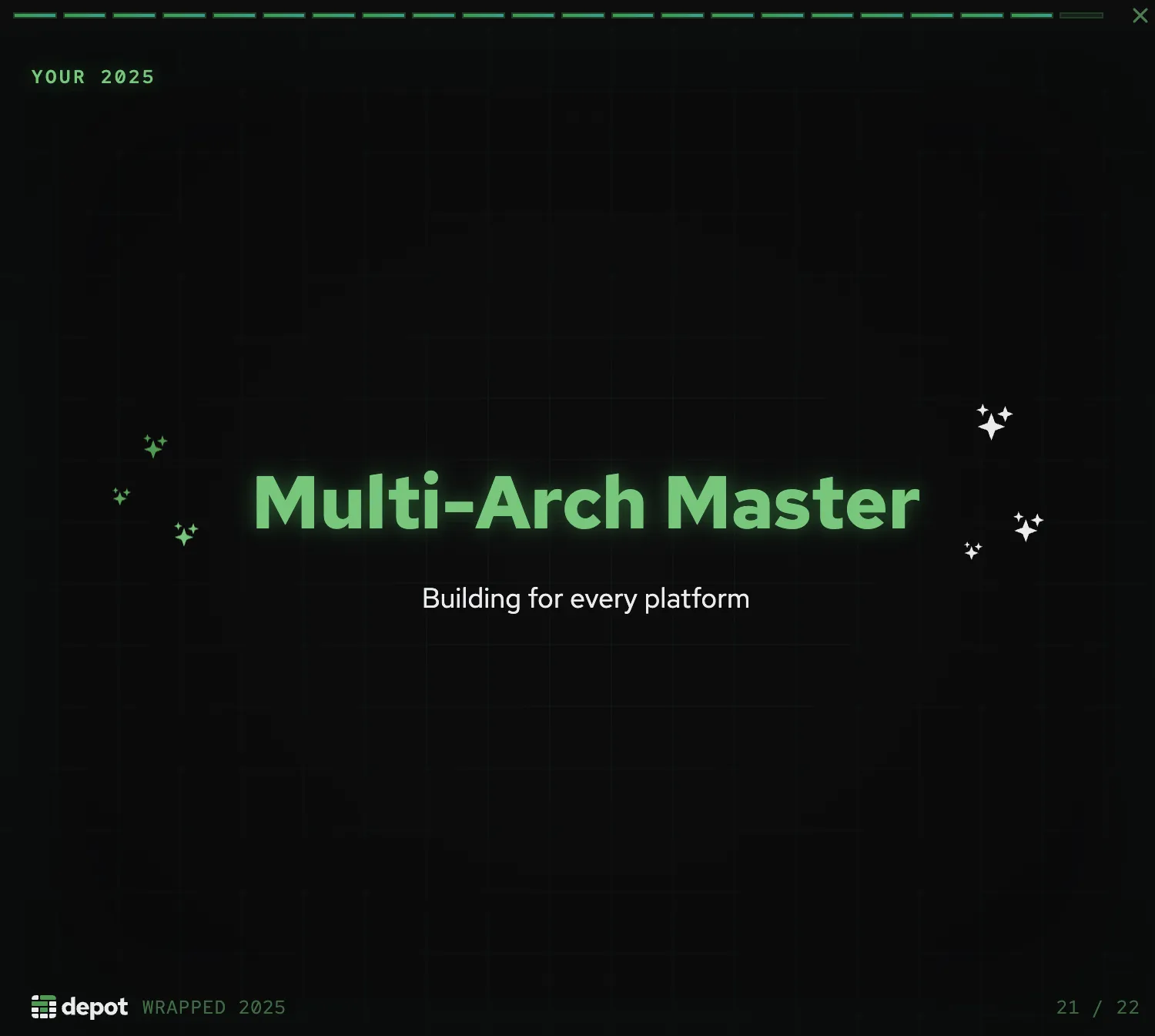
Customers who used both products definitely got the best of both worlds, but single-product users still got a Wrapped that felt made for them. Here's a final slide for a "Builder" customer that frequently builds multi-platform images:
That's a wrap
Depot Wrapped was a fast, fun feature to build. It was also a reminder that AI is great at doing a lot of different tasks and generating ideas, but you still need a human to catch when those ideas are accidentally passive-aggressive instead of the personalized celebration you intended.
In building it, we got to see just how much our customers accomplished this year. Across all of Depot, customers saved more than 40 years of build time alone in 2025. That's enough time for a full watch of the Marvel Cinematic Universe at least 4500 times. (Just the movies, but all of them.)
FAQ