AI analysis available for all Depot CI workflows and jobs
21 JUL, 2026
You can now ask Sherlock to analyze any Depot CI workflow or job directly from its page, whether or not the run failed. An Analyze workflow button appears on the workflow header, and an Analyze job button appears on the job's log view.
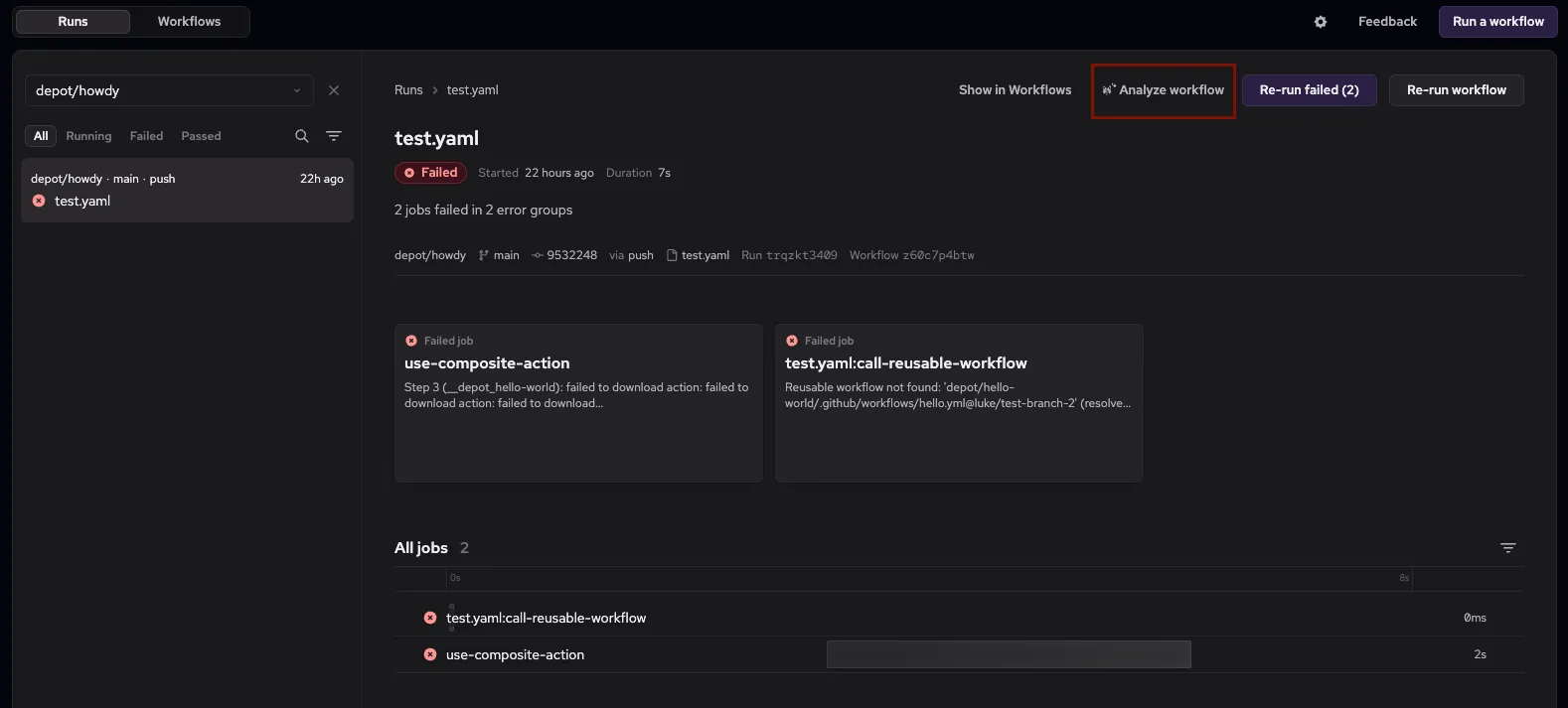
Previously, the only way to hand a run to Sherlock was through the button inside the AI failure diagnosis card. Now the action is always in reach, so you can investigate slow runs, passing runs, or in-progress jobs, not just failures.
Each button targets the workflow or job you're viewing, so switching jobs and re-running the analysis always reflects the current run.