Explore Depot CI activity by repository and workflow
01 JUN, 2026
Depot CI now gives you two ways to browse recent CI activity: Runs for individual workflow runs, and Workflows for activity grouped by repository and workflow file.
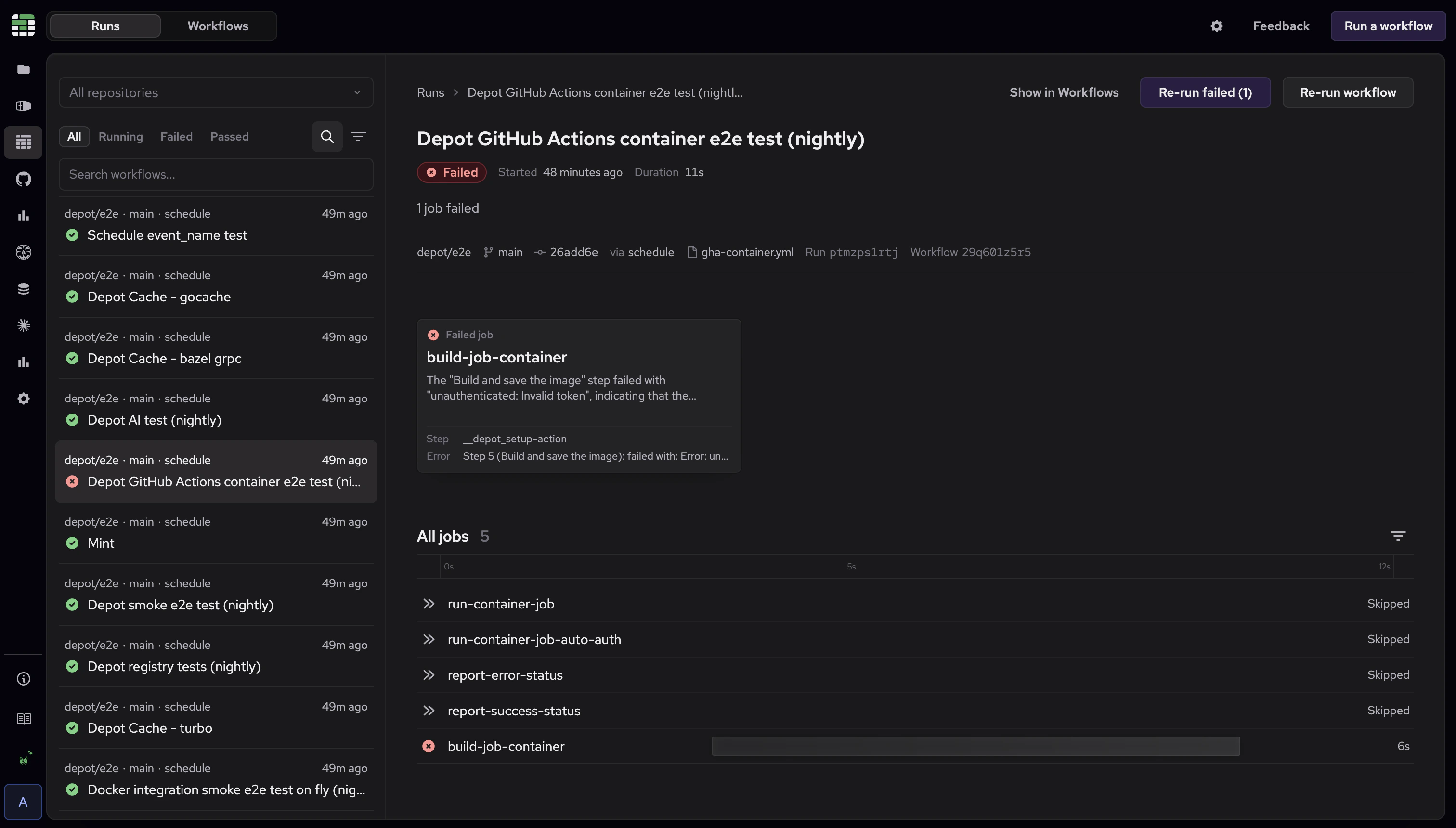
The Runs tab shows recent workflow runs for your repositories. You can filter runs by properties like repository, status, trigger, and commit SHA, then open a run without losing your place.
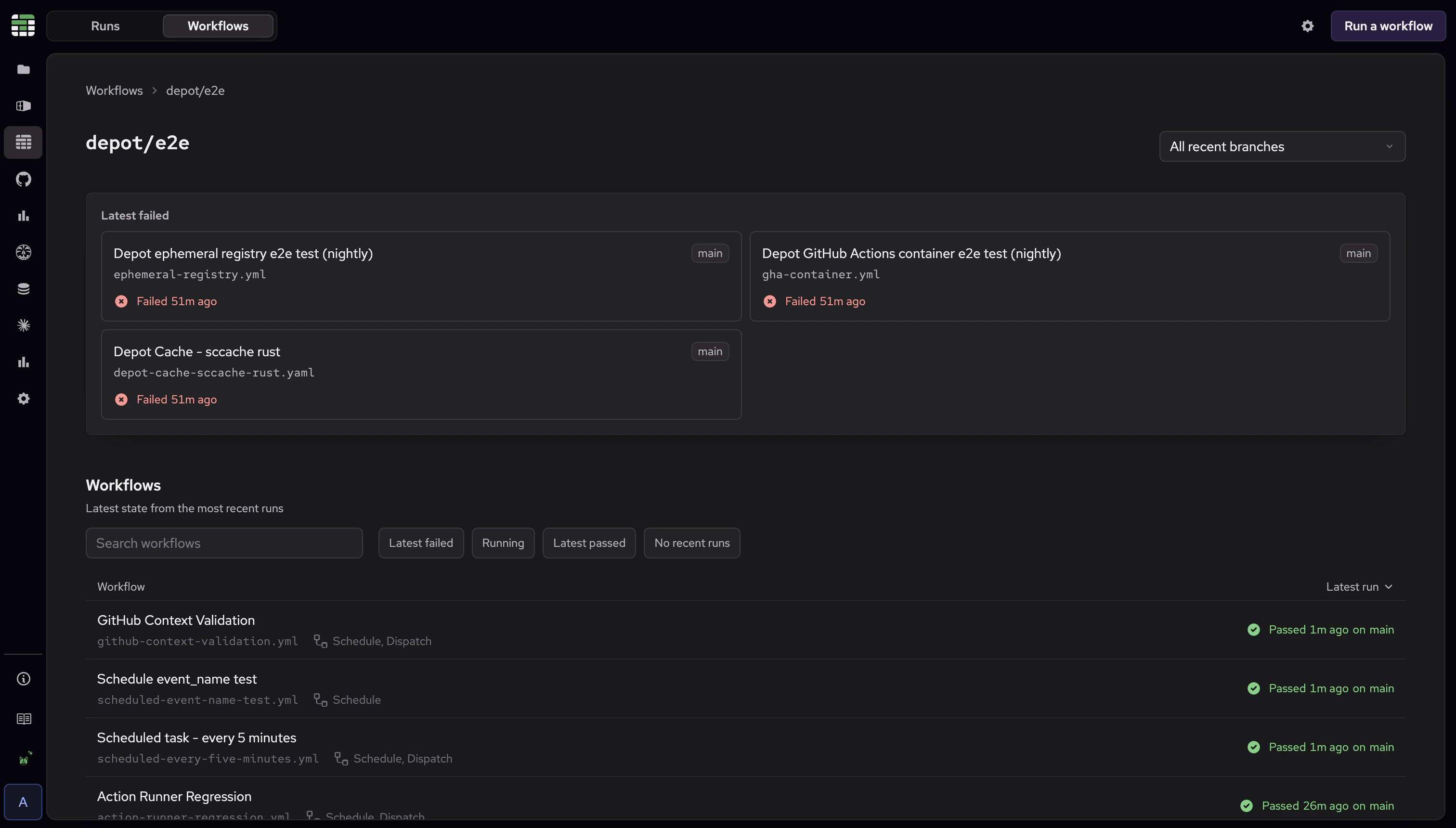
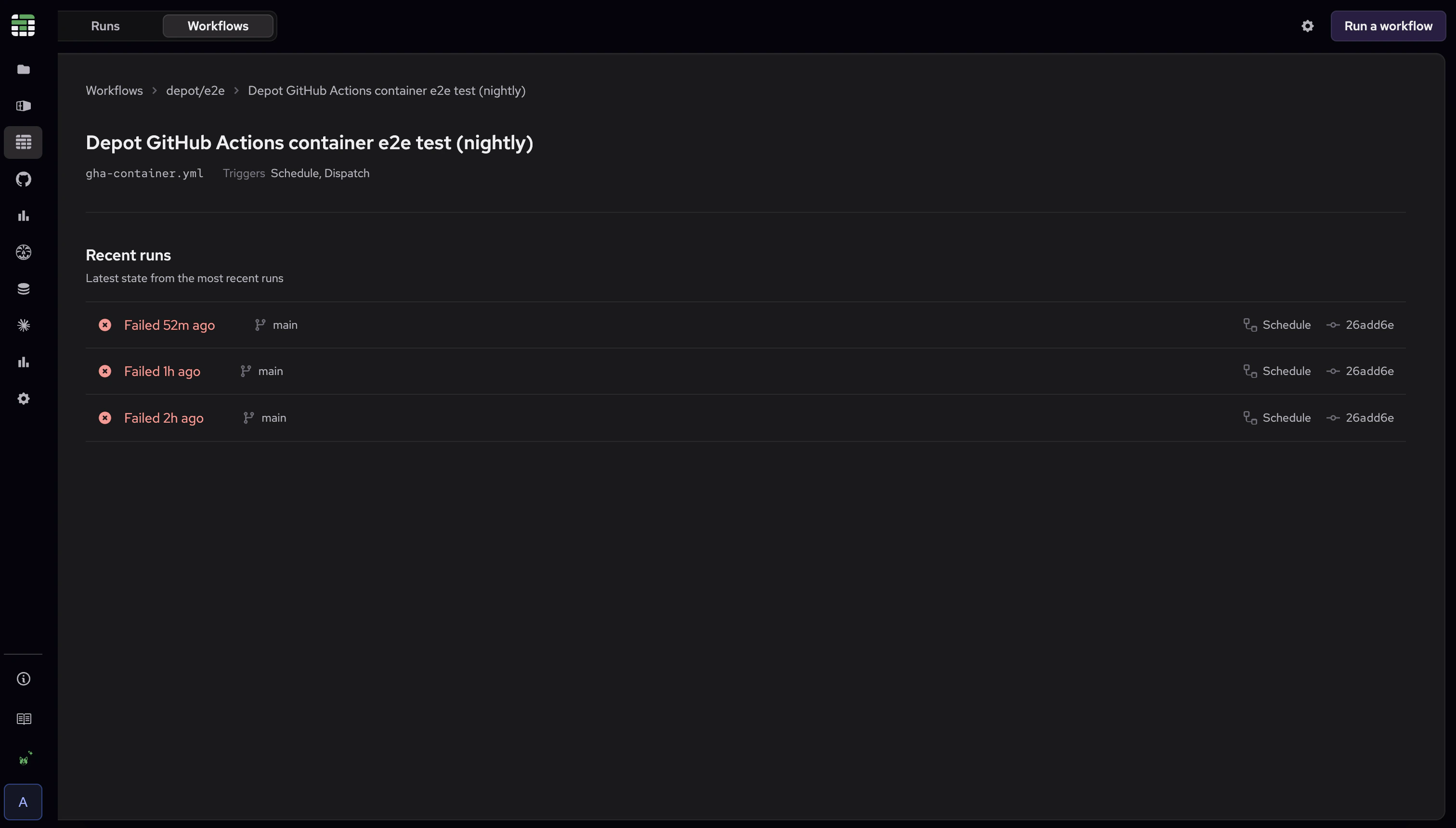
The Workflows tab lets you start from a repository, see its workflows, and open one to inspect recent runs.
This builds on the previous Depot CI update, which added run context, the overall result, and a job timeline for a single workflow run. The new Workflows view helps you scan recent CI activity by repository and workflow file before opening a specific run.