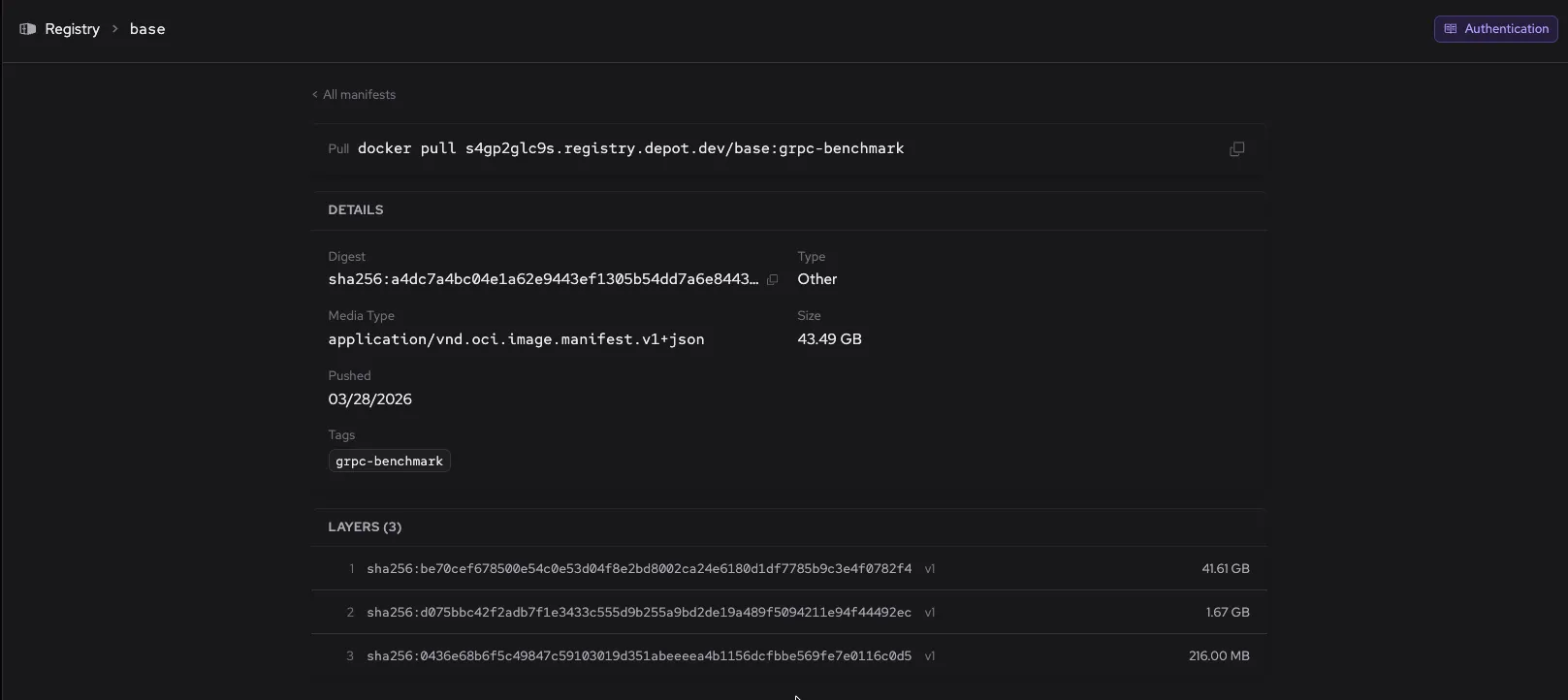
Browse your Depot Registry with the new registry explorer
13 APR, 2026
The dashboard now includes a Depot registry explorer for browsing the contents of your organization's registry. You can navigate repositories, view tags, and inspect manifests directly in the dashboard without needing a separate registry client.
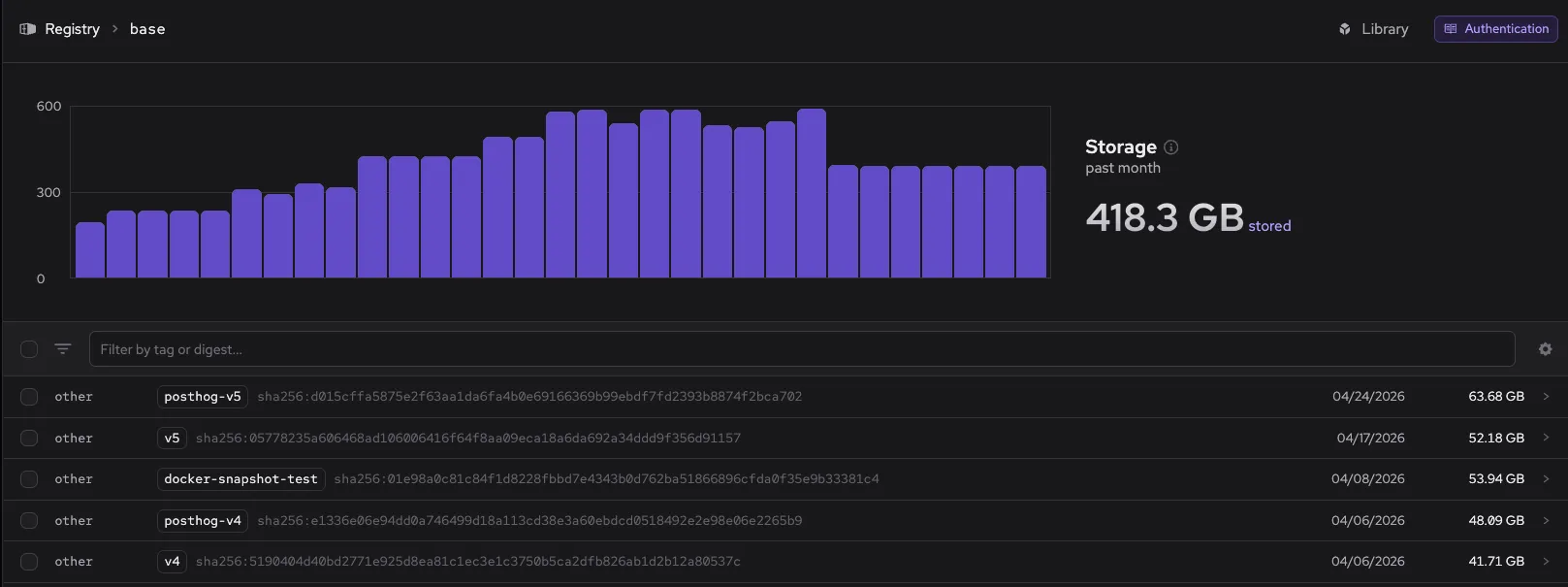
The explorer works with any image stored in your org's registry at <org-id>.registry.depot.dev. You can find it under Registry in the dashboard. Click a repository to show manifests with tags, digests, and sizes.
Click a manifest to show its digest, media type, size, push date, tags, and individual layers.